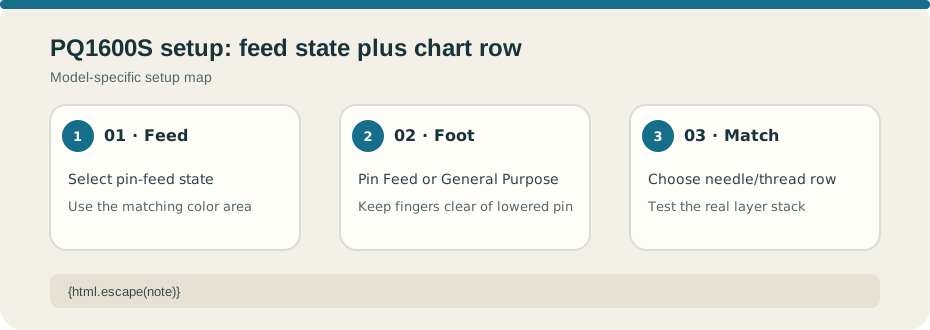
Use this setup reference for the Brother PQ1600S, product code 884-T79, and match the manual to your machine. Pin feed uses a feed pin to move layers with the feed dog. Select the pin-feed position and set the pressure dial to the matching color-coded area in the manual. The guide supplies color correspondence, not a numeric pressure value. See the official Brother PQ1600S Operation Manual, product code 884-T79.
The manual permits the Pin Feed Foot or General Purpose Foot for this state. It says the pin drops when the presser foot is lifted. Keep fingers clear while the pin is lowered, and raise the foot before changing fabric position. Do not infer a setting or material capacity for the PQ1500 or another straight-stitch model.
Use the needle chart for the actual fabric#
Brother recommends ORGAN HLX5 needles and says Schmetz 130/705H may be used under normal sewing conditions. The chart gives selected starting rows: lawn with cotton thread #80 and HLX5 #9; gingham with cotton #60–80 and HLX5 #11–14; denim with cotton #20–50 and HLX5 #14–18; lightweight jersey with polyester #60 and HLX5 #11. For knits, the manual advises a ballpoint/knit needle. Metallic thread has separate advice, including tension 2 and a metallic needle. These are chart entries, not a complete material-capacity table.
Choose the row closest to the real fabric, thread, and layer stack, then test a sample with the selected foot and feed state. Change one control at a time and stop if the machine strains or the needle contacts the plate or foot. Use the linked manual and current official chart for other combinations; do not infer an unlisted row.