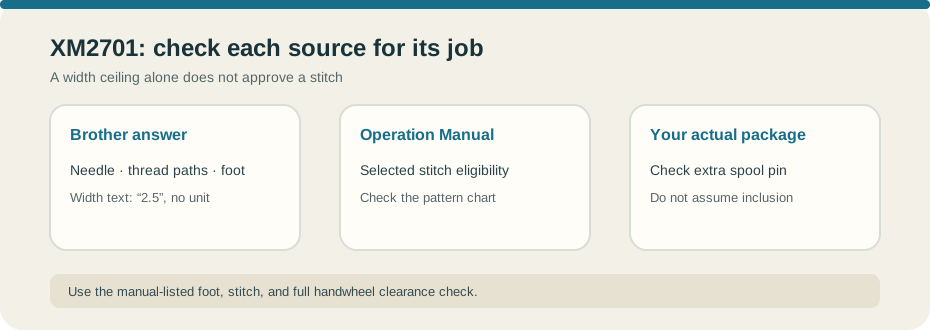
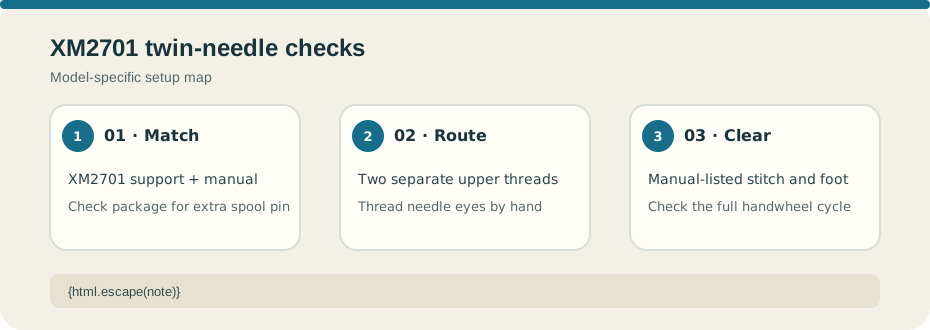
This guide follows Brother’s US twin-needle answer for the XM2701. First match the full model and the manual supplied with your machine. The support answer lists twin needle X57521-021, size 2.0/75 with 2 mm separation, and Zigzag foot J. The extra spool pin may depend on the package; check what came with your machine or the accessory notice rather than assuming it is included. See the official Brother USA twin-needle setup answer for XM2701.
Check the stitch and both thread paths#
Brother describes a left and right upper-thread path: route one thread behind the needle-bar guide and the other in front, as shown in the answer. Thread both needle eyes by hand; the automatic needle threader is not for this setup. Use the XM2701 Operation Manual’s stitch chart to confirm that the selected pattern is permitted with a twin needle. A width ceiling by itself does not approve every stitch, foot, or fabric.
Brother’s FAQ states a maximum width of “2.5” but does not name a unit. Do not convert that text into millimeters or treat it as the selected stitch’s allowance. Follow the manual chart and current support answer for your unit. Install or replace the needle with the machine switched off, then use the manual’s slow handwheel clearance check to confirm both needles clear the foot and plate through a full cycle.
Test on matching fabric layers with the actual thread and foot. Stop if either needle touches, bends, or deflects; do not press the pedal to test uncertain clearance. The XM2701 stitch-selection guide covers the pattern dial, while the CS7000X twin-needle guide applies only to that different model.