This US Brother reference covers the listed XR9550 and XR9550PRW support answers. Match the exact model and current Operation Manual before applying a threader or twin-needle instruction. The automatic threader and twin-needle setup are different paths; a threader limit is not a limit on all sewing. See the official Brother USA XR9550/XR9550PRW upper-threading answer.
When to bypass the automatic threader#
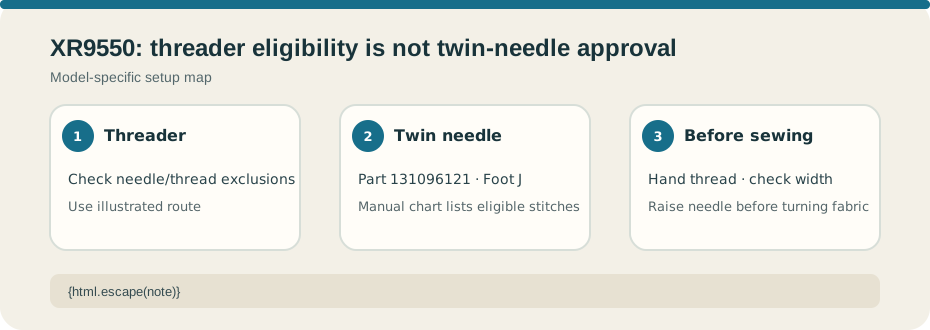
Brother’s answer supports the threader with needles 75/11 through 100/16, but not 65/9. It lists exclusions including transparent nylon, metallic thread, thread weight 20 or lower, size 130/120 or thicker, wing needles, and twin needles. Follow the FAQ’s illustrated thread path; it warns against pulling the spool-pin bar or the threader loop. The FAQ’s procedure has a specific state order: foot raised and needle at its highest point for ordinary threading, then switch off and lower the foot before operating the threader lever. Keep the manual’s diagram in view.
Twin-needle setup is separate#
The twin-needle answer lists Brother part 131096121 and Zigzag foot J, with a 5.0 mm maximum stitch width. Eligible patterns still come from the Operation Manual chart. Thread the twin needle by hand, not with the automatic threader, and raise the needle before turning the fabric. Do not apply the 5.0 mm ceiling to a pattern or foot the chart excludes.
Test the exact combination on matching layers and check clearance slowly as directed by the manual. Stop if a needle touches the foot or plate. Do not transfer the XM2701’s “2.5” support-answer value or the CS7000X instructions; these are separate machines and sources.