This guide uses the English instruction book linked by Janome’s 3160QDC-G product page. Match your machine’s suffix and manual before following pattern numbers; the evidence does not establish that every 3160QDC variant has the same document or behavior. See the official Janome 3160QDC instruction book.
Read the pattern before pressing a control#
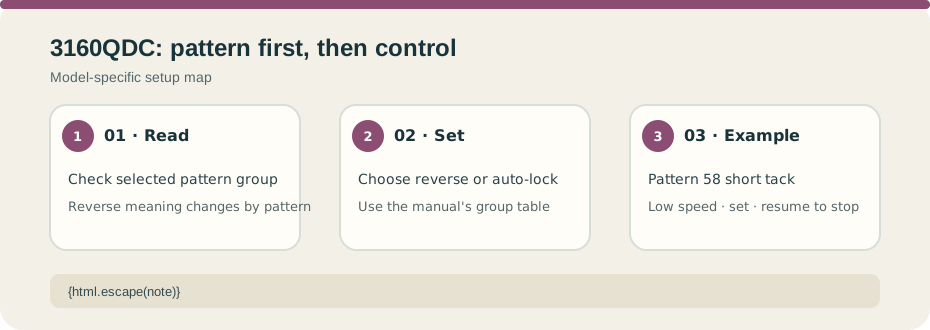
On patterns 00, 01, 07, 08, and 30, holding reverse sews backward. On other listed patterns, the reverse button makes locking stitches or stops the machine, depending on the selected pattern. Auto-lock is also pattern-dependent: for named patterns it locks and stops immediately; for others it completes the pattern, locks, then stops. Check the book’s pattern group before expecting a held button to make a seam of a particular length.
Pattern 58 short-tack example#
The book’s pattern 58 tacking example lists tension 3–6, Satin Stitch Foot F, and a default 1.5 cm tack. To make a shorter tack, use low speed and stop at the desired length, press reverse to set that length, then resume sewing and allow the machine’s automatic stop. This sequence belongs to the documented tack example; it is not a universal reinforcement length or a substitute for garment construction guidance.
Test the chosen pattern and controls on a scrap with the actual fabric and layers. If the button behavior differs from the manual, stop and check the exact model and connected-controller state. Do not transfer stitch numbers or button behavior from the Janome 2212 or another brand. Start with model/manual matching and use the exact 3160QDC manual as the authority for all other patterns.