This guide follows the 2012 SINGER 4423 manual. Confirm that the edition and controls match your machine; the cited passage does not establish identical behavior for every region or production revision. See the official SINGER 4423 Instruction Manual (2012).
Standard one-step setup#
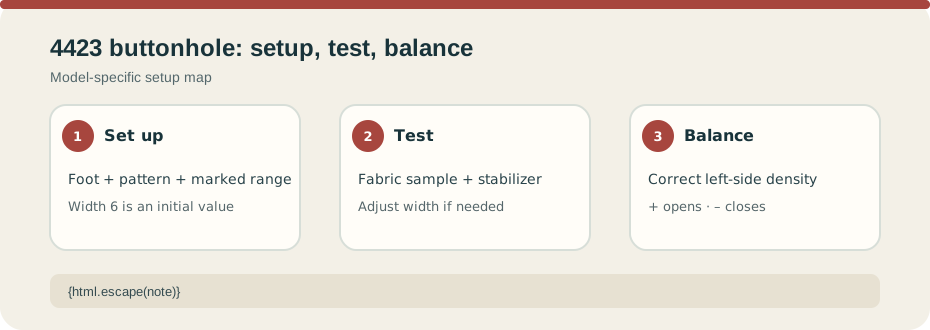
Mark the buttonhole and test on a sample of the project fabric; the manual says always use stabilizer. Attach the buttonhole foot, select the buttonhole pattern, set stitch length within the marked buttonhole range, and begin with width 6. The manual says width may need adjustment after the test. Align the foot marks with the fabric marks so the front bar tack sews first. Insert the button in the plate, lower and move the buttonhole lever as the manual shows, hold the upper thread lightly, and sew until the cycle finishes. The cited section gives no numeric button-size capacity.
For stretch fabric, the manual describes placing heavy thread or cord under the foot and routing both tails through its grooves. Set width to match the cord diameter, sew the buttonhole, then gently pull the cord to remove slack and trim the excess. Keep this separate from ordinary buttonhole setup.
Correct only the left-side density#
The balance control normally sits between “+” and “–”. If the left column is too dense, turn toward “+” to open it; if it is too open, turn toward “–” to close it. This is a side-density correction, not the machine’s general thread-tension control. Test again before the garment and return the dial to neutral when finished.
Use the manual’s illustrations for exact lever and button placement. Do not transfer the EMERALD holder limit or another SINGER model’s dial values. For denim and heavy seams on this model, see the separate 4423 heavy-fabric guide.